JFIF vs JPEG: Does a Bigger Converted JPG Mean Better Quality?
No. A bigger JPG does not prove better image quality, and a JFIF filename is not a lower-quality category. Check dimensions, decoded pixels, orientation and metadata separately. JfifHub's Highest setting controls a new JPEG export; it is not a promise that the output matches the source byte for byte.
Open the JFIF to JPG converter
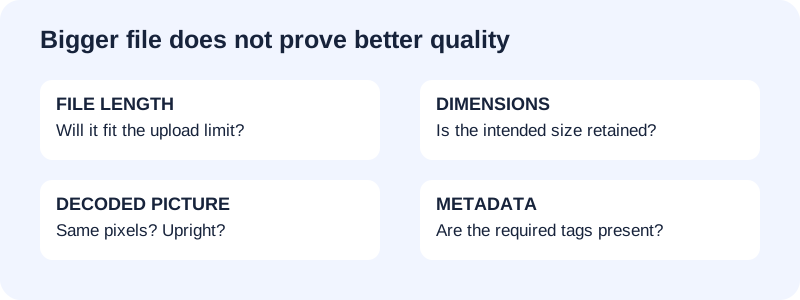
Compare operations, not competing filename labels
JFIF describes an interchange structure for JPEG-encoded pictures. JPEG encoding and a JFIF wrapper are not competing quality presets. For the format definition and marker layout, use the JFIF file type and format guide. This page answers a different task: evaluating a downloaded conversion result before replacing the source.
The browser canvas export creates a new image file. MDN documents a quality argument between zero and one for lossy output formats. That setting is not a measure of recovered original detail or a cross-encoder quality score. An encoder can produce a different file size without adding information to the photograph.
A measured export that grew without identical decoded pixels
On October 7, 2026, the untouched public photo DSCN0010.jpg was selected through JfifHub's live homepage in Chrome, with JPG output and the default Highest setting. The Download button saved an actual converted file. The source used a JPEG filename, not an artificially renamed JFIF filename; its image/jpeg type followed the converter's same decoding and export path.
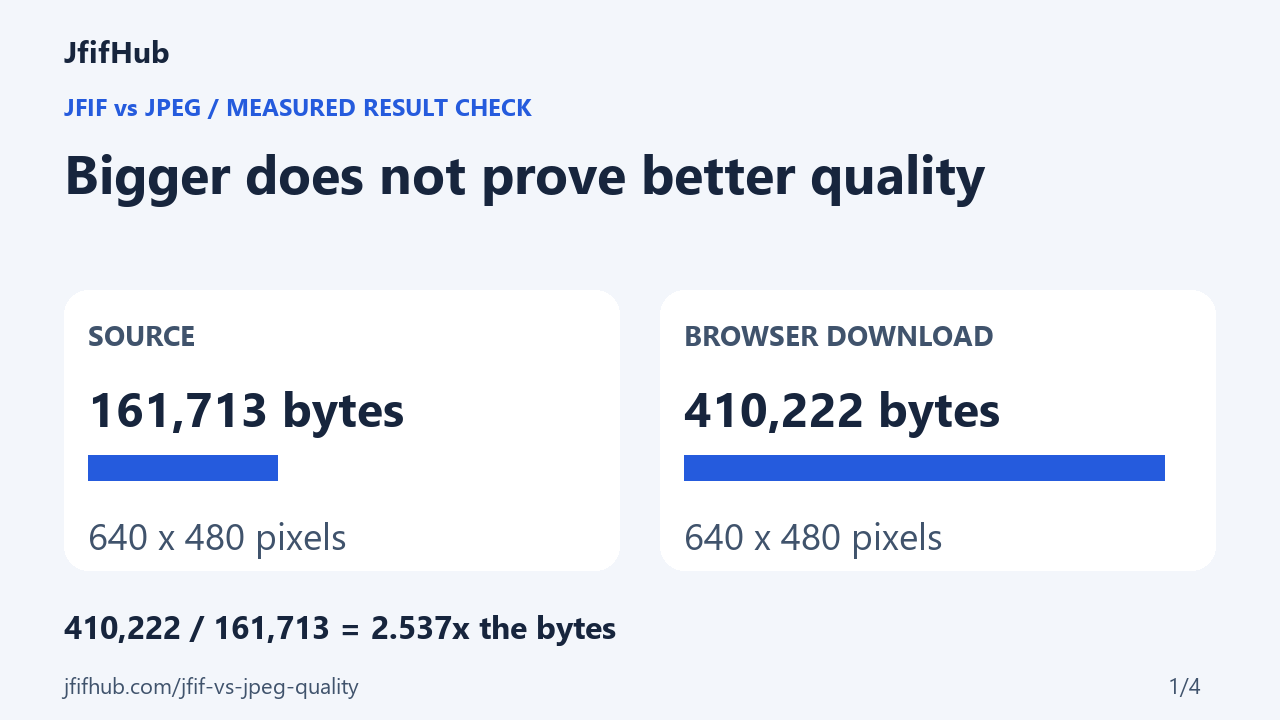
- Source: 161,713 bytes; dimensions 640 × 480 pixels.
- Downloaded output: 410,222 bytes; dimensions 640 × 480 pixels.
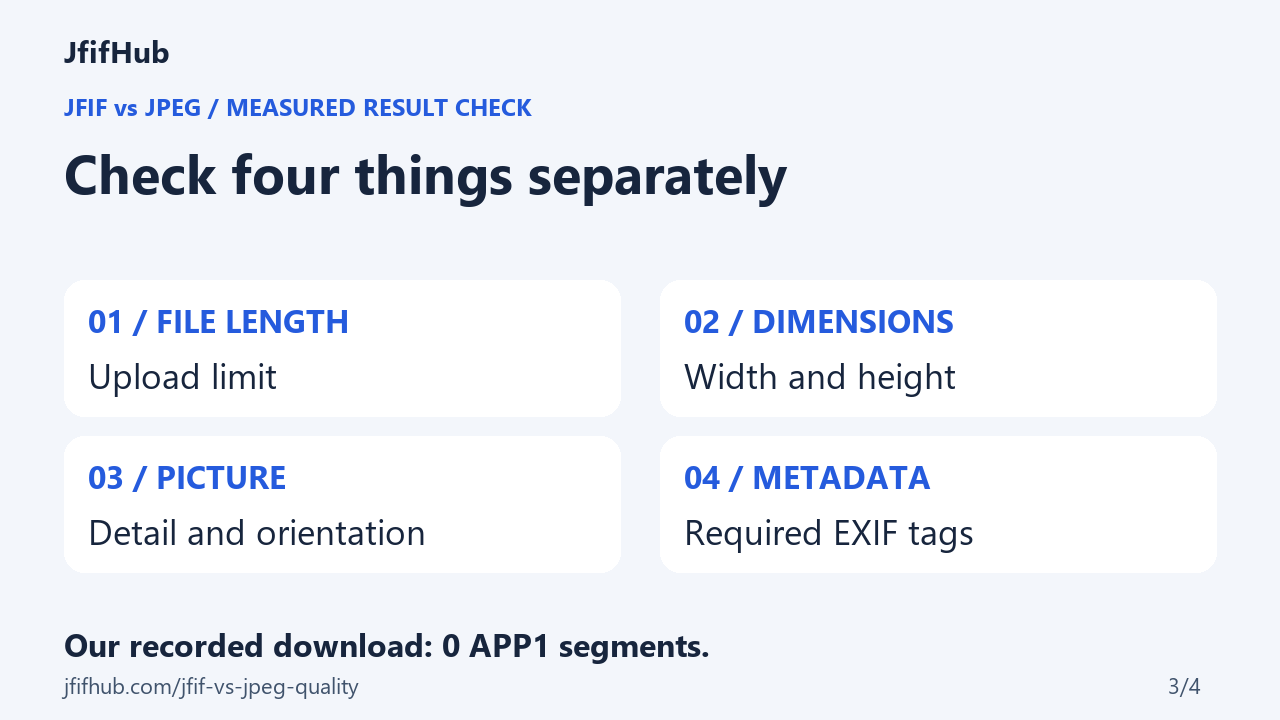
- The output's APP1 segment count was zero; the source had camera and GPS EXIF.
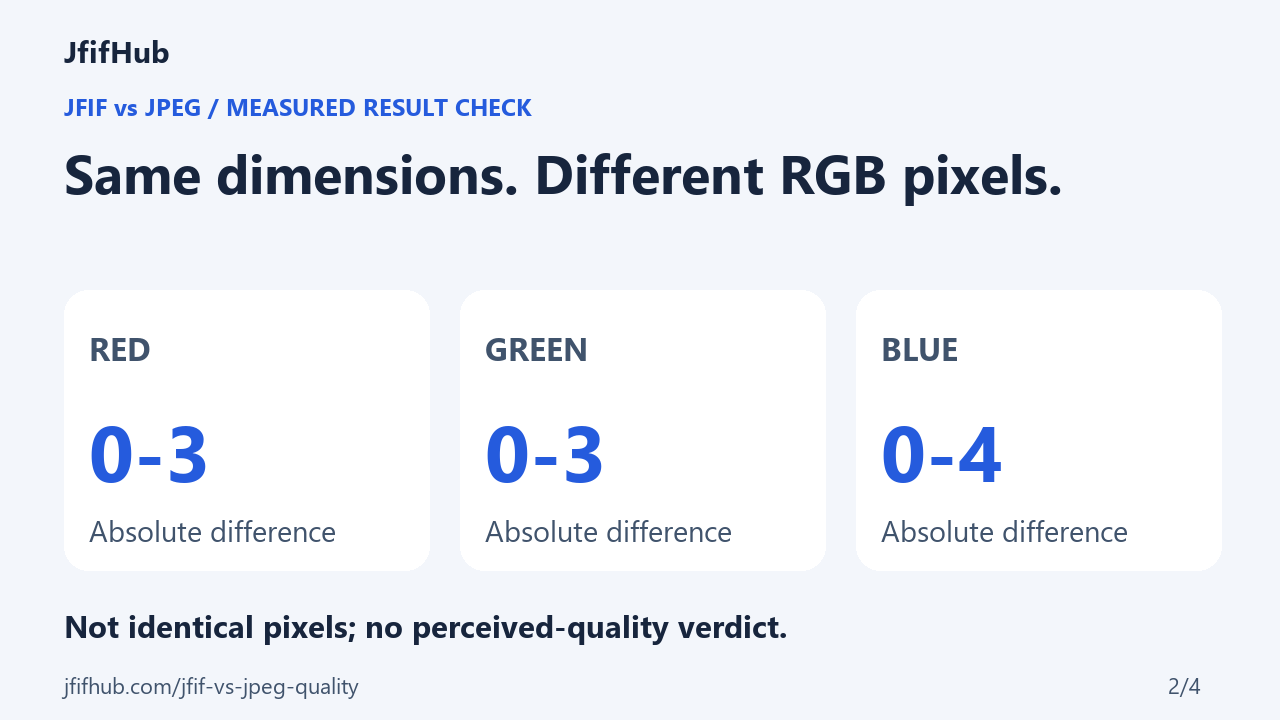
On October 8, both retained files were decoded to RGB using the same Pillow installation. Their decoded RGB arrays were not identical. The absolute channel-difference ranges were red 0–3, green 0–3 and blue 0–4, on an eight-bit channel scale. This checks the existing browser download; it is not a second conversion made by Pillow.
The size multiplier was 410,222 ÷ 161,713 = 2.537, rounded to three decimal places. Both inputs to that calculation are measured file lengths. The output was larger, had the same dimensions, and had different decoded pixels. Those observations do not establish better or worse perceived quality; they show why a larger file alone is insufficient evidence.
This is one photograph in one browser workflow. The result does not predict every JPEG encoder, browser, image or quality setting. Full GPS and orientation observations are in the real-photo EXIF checks.
Check four things before replacing your source
- File length: record the source and output sizes. A larger file can exceed an upload limit; it does not certify sharper detail.
- Dimensions: compare pixel width and height. Equal dimensions do not establish identical pixel values. A portrait image may legitimately swap width and height when its orientation is applied.
- Picture appearance: compare both at the same displayed scale. Inspect text, edges and smooth areas, then confirm upright orientation. A visual comparison answers usability; an RGB comparison answers exact decoded-pixel equality. Neither substitutes for the other.
- Metadata: inspect required camera, date or location tags separately. Metadata can disappear even when the visible picture looks acceptable.
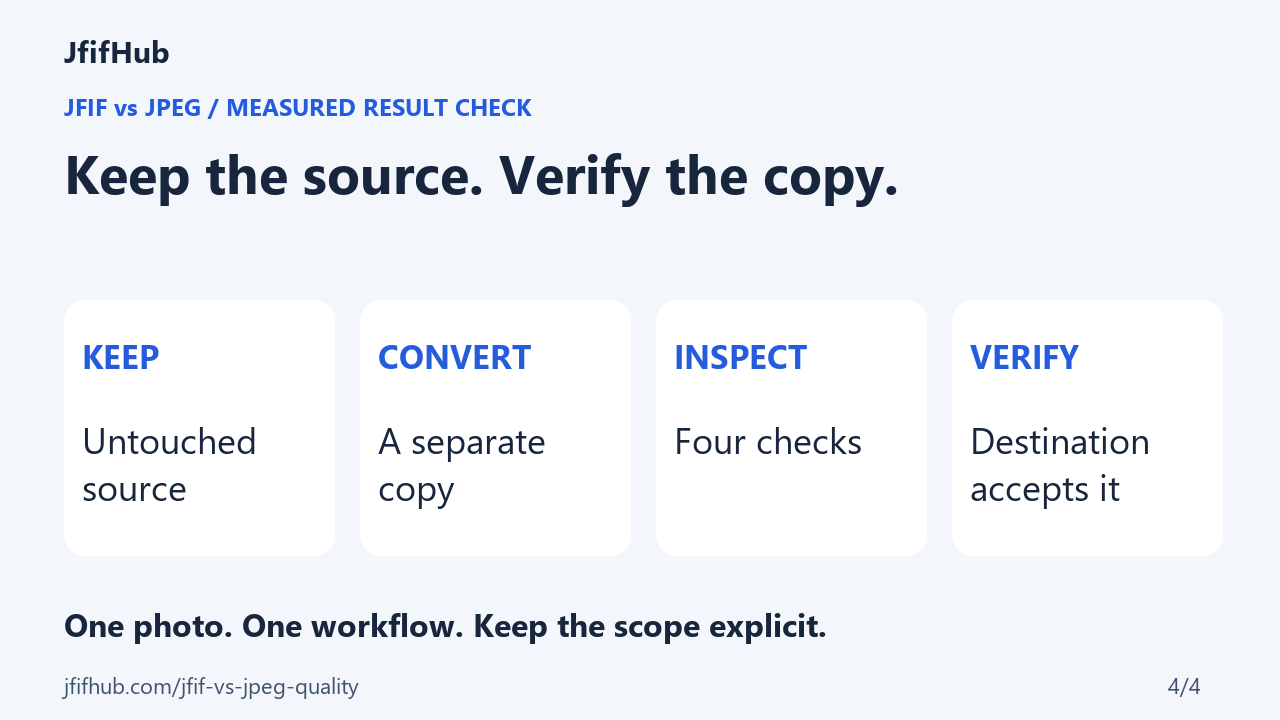
Keep the untouched file until the exported copy works in its destination. If the output is too large, try a lower quality setting on another copy and repeat these checks. Do not overwrite the only source while searching for a setting that fits.
A sharper check for screenshots, small text and thin rules
For a screenshot, compare the same crop at the same pixel scale before deciding whether the JPG is usable. Start at 100% zoom, not “fit to window”: resizing the preview can hide or exaggerate edge changes. Check three places: the smallest text, a one-pixel horizontal or vertical rule, and a flat or gently changing background. Look for letters merging, faint halos beside dark strokes, broken thin lines, or visible bands in a smooth background. These are inspection cues, not proof that every JPEG export will show them.
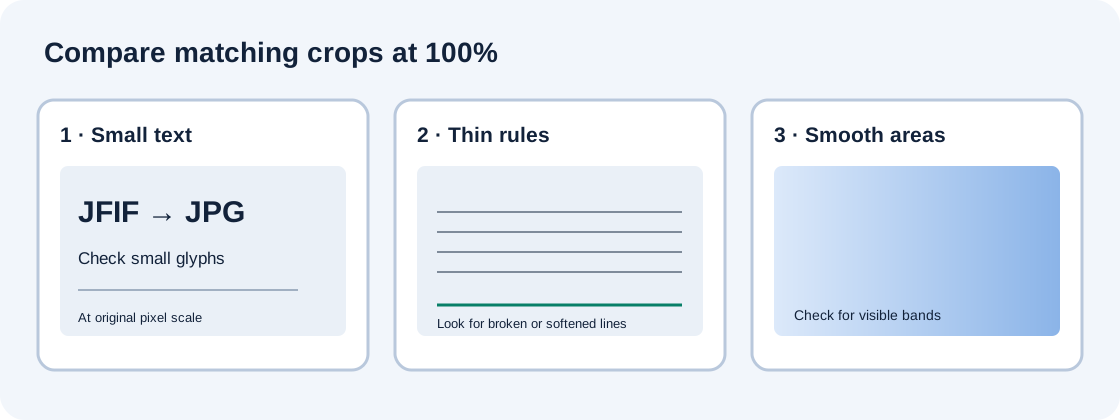
- Keep the original open beside the downloaded copy; do not compare two separately resized previews.
- Inspect the text and line edges at 100%, then inspect the whole screenshot at its intended display size.
- If the marks look damaged, make another copy at a higher JPEG quality and repeat; do not overwrite the source.
- If the destination accepts PNG and preserving the current pixels matters more than file size, choose PNG for the export. PNG uses lossless image storage, but it cannot restore detail already lost in a JPEG source.
JPEG is a lossy compression method, while PNG is specified for lossless storage. Those format properties explain why PNG is a reasonable alternative for crisp interface captures; they do not predict the result of a particular browser, image, encoder setting or display. JfifHub's “Highest” label is a setting name, not a guarantee of lossless output.
The result, explained in four pictures
Quick answers
Is JFIF worse quality than JPEG?
The label alone cannot rank image quality. Compare the actual decoded image and the processing it has undergone.
Does Highest mean a lossless JPG conversion?
No lossless guarantee follows from that control. In the measured case above, the decoded pixels differed even with Highest selected.
Can a renamed copy avoid another encode?
A filename-only rename does not change the image bytes. If your goal is suffix compatibility, consult the rename-versus-export guide rather than repeatedly re-encoding.
References: MDN: canvas JPEG quality parameter; W3C: JPEG is lossy; W3C PNG-3: lossless image storage; ITU-T T.871; Library of Congress: JFIF. Measured photograph: DSCN0010.jpg. File and RGB readings are JfifHub's local observations, not claims about other converters.