JFIF File Type and Format: What the File Contains
JFIF means JPEG File Interchange Format: a standardized way to wrap JPEG-encoded image data for exchange. The `.jfif` ending is a filename extension; the bytes inside tell you whether a file has a JFIF marker. In JfifHub's tested browser conversion, the source EXIF block was not present in the exported JPG, so keep the original and check metadata when it matters.
Open the JFIF to JPG converter
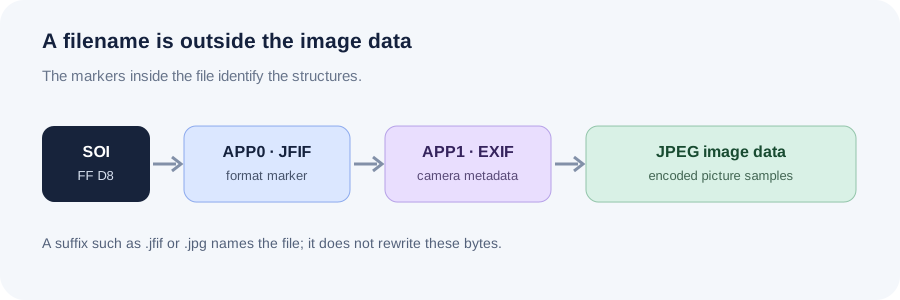
What the JFIF file format specifies
The JFIF file format is the interchange wrapper around JPEG-coded image data. ITU-T T.871 specifies its identifying APP0 segment immediately after the JPEG start-of-image marker, along with fields for the JFIF version and pixel density. JFIF 1.02 also defines thumbnail fields. The Library of Congress describes the relationship as JPEG encoding inside a JFIF wrapper; JFIF does not replace the JPEG image encoding itself.
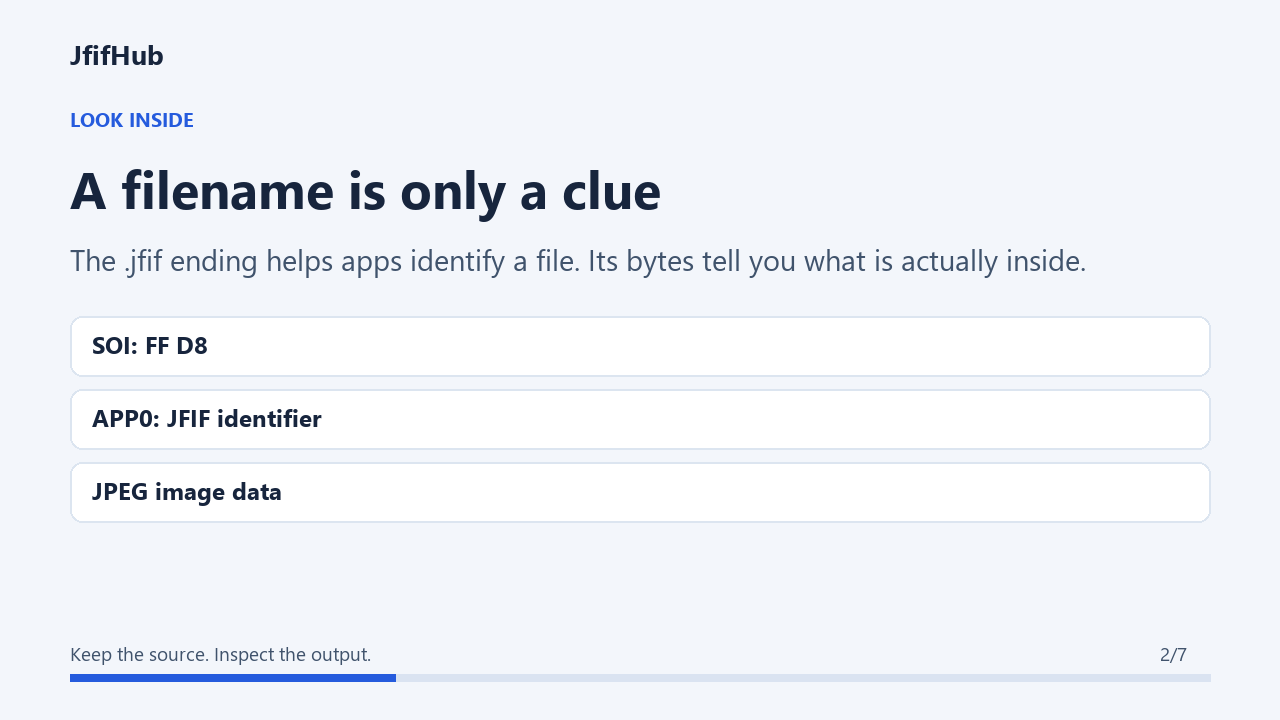
This distinction explains why “JFIF versus JPEG” is often an imprecise question. A filename ending in .jfif may contain JPEG-coded pixels, and many applications decode it as an image. The extension helps an operating system choose an app, but it does not convert the bytes or prove that the file is intact.
In practice, identify the format from the bytes rather than the name alone: a JFIF marker can confirm the wrapper signature, while a .jfif suffix by itself cannot confirm that the expected marker is present. The format also does not promise that camera EXIF metadata exists or will survive a later conversion; check those tags separately in the source and output.
Read a JFIF signature without relying on the extension
A common JFIF file starts with the JPEG SOI marker FF D8, followed by APP0 FF E0, a segment length, and the bytes for JFIF plus a zero byte. The exact marker sequence is more useful than a suffix when a download has an unexpected name. It is only a quick identification clue: a damaged or truncated file may begin correctly and still fail to decode.
- Keep an untouched copy before changing its name or converting it.
- Check the first bytes with a trusted local hex or metadata viewer; do not upload a private photo just to inspect its header.
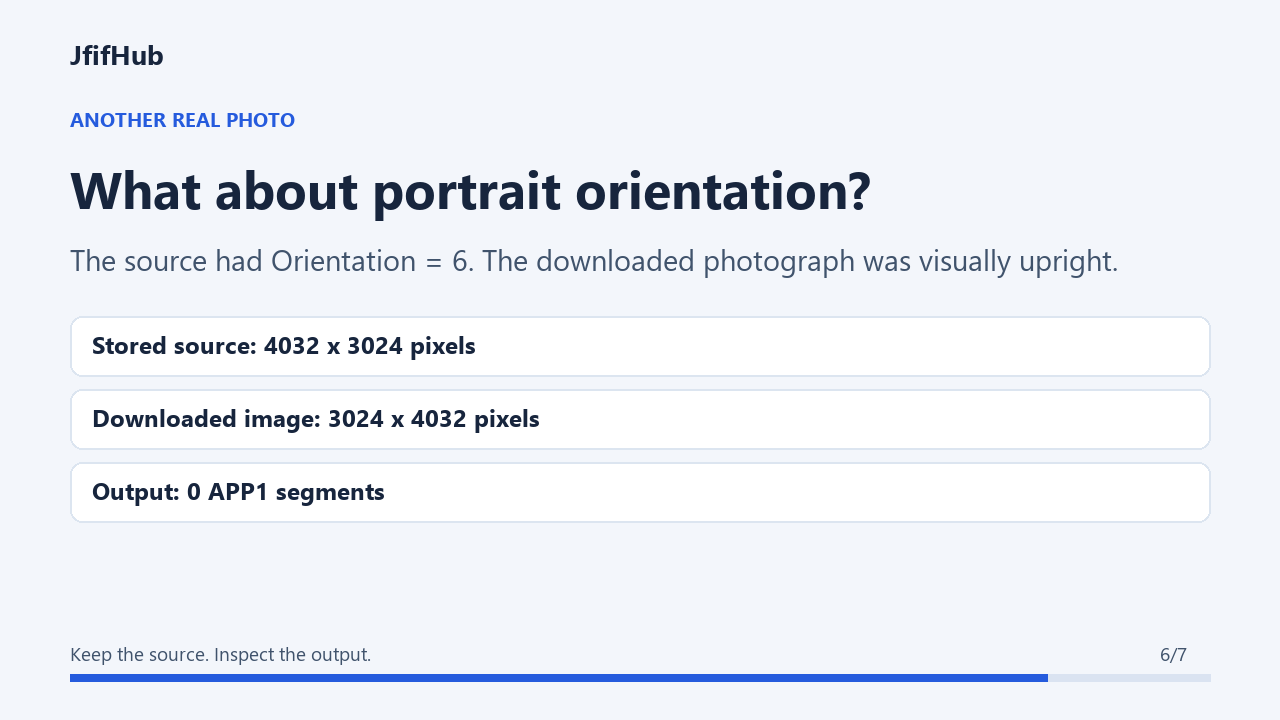
- If the image opens, compare its dimensions and visual orientation with the original before deciding the file is healthy.
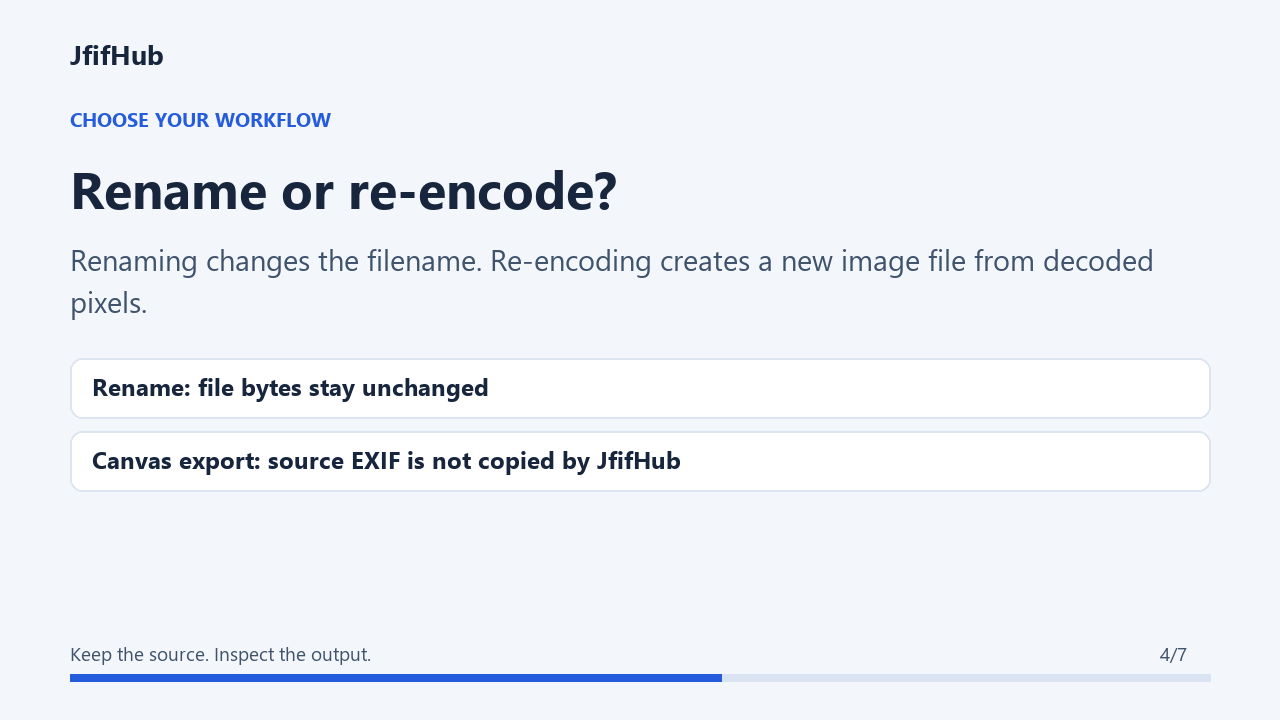
- Use a converter only when the receiving app needs a newly encoded format; renaming a suffix and re-encoding are different operations.
JFIF and EXIF are different marker data
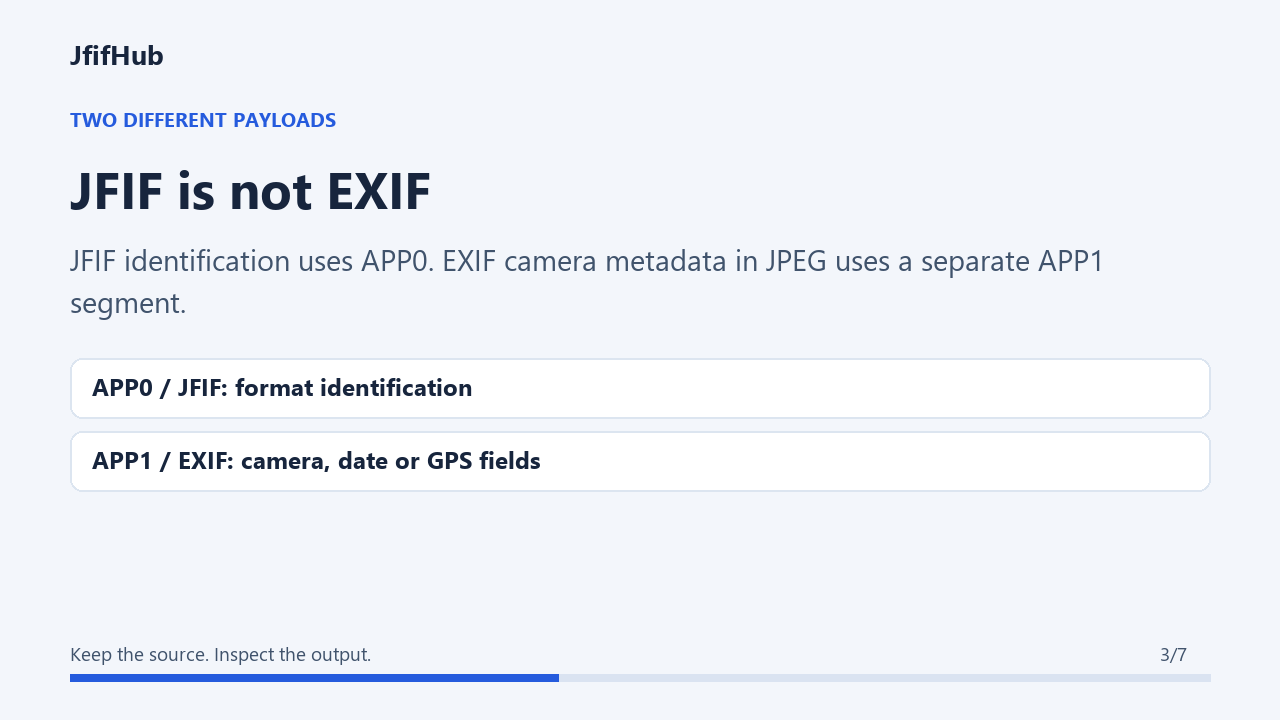
JFIF identification and camera metadata are not the same payload. The JFIF identifier is in an APP0 segment. EXIF in JPEG commonly uses an APP1 segment identified by the bytes Exif followed by two zero bytes. A filename cannot tell you whether camera model, capture time, or GPS fields exist.
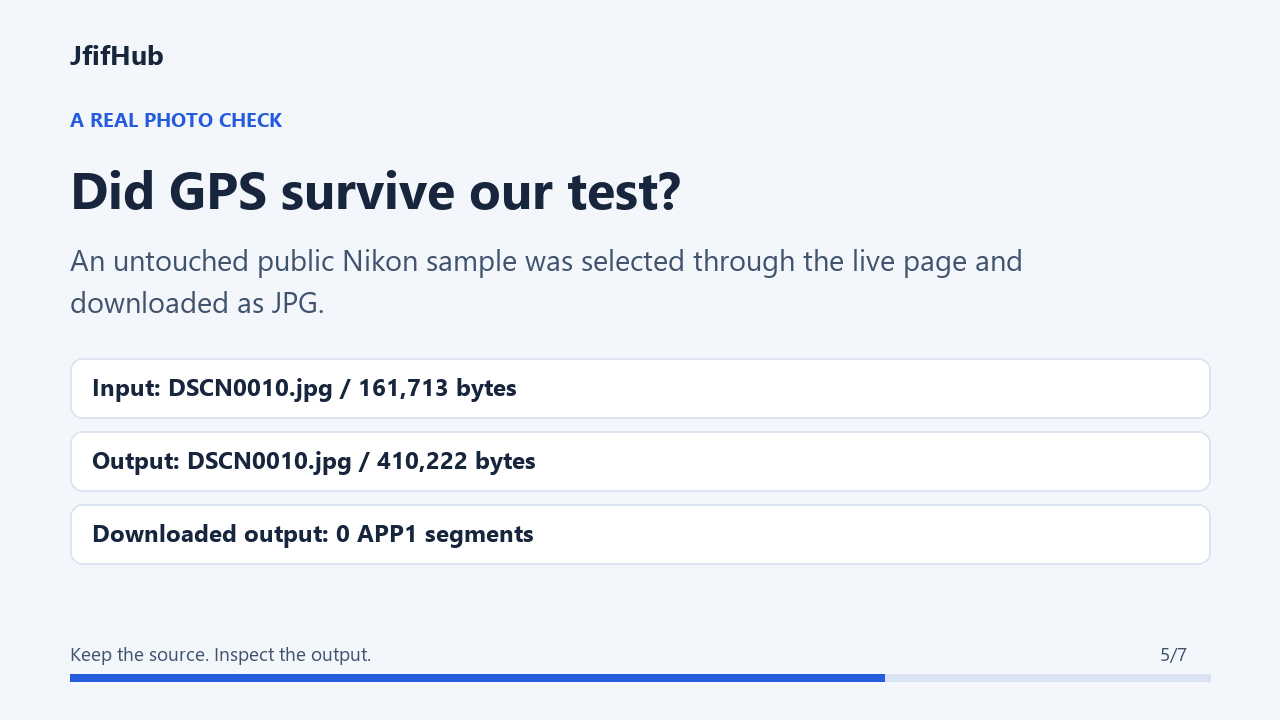
JfifHub test, October 7, 2026: I used the public DSCN0010 EXIF sample from Exif-Samples as the image source, inserted a JFIF APP0 header to make a local JFIF-marked test fixture, and ran it through this site's JPG converter in Microsoft Edge 154.0.4258.53. The 640 × 480 input was 161,731 bytes and contained EXIF APP1 with Nikon camera and GPS tags. The downloaded dscn0010-jfif-exif.jpg was 410,222 bytes at 640 × 480; it had no EXIF APP1 segment and the EXIF reader found no tags. This is an implementation-specific test of that fixture and browser run; it is not a claim about every JFIF image, converter, or browser. The fixture stayed on this machine.

JFIF requires APP0 after SOI, while EXIF data is carried in APP1; because both specifications define the lead marker position, a file containing both markers does not by itself prove strict conformance to both. This conversion test checks how our page handled one practical dual-marker fixture, not every format profile. If preserving metadata matters, inspect the actual source and downloaded copy with the same metadata reader.
When a `.jfif` file will not open
First distinguish a file-association problem from damaged image data. If the image opens in another trusted viewer, make a copy and try a `.jpg` name only when the destination rejects the suffix; the bytes remain unchanged. If multiple viewers reject it, renaming cannot repair missing image data. Compare the file size and source again, and avoid repeatedly re-encoding a file that cannot be decoded.
If the image opens but its EXIF fields disappear after conversion, that is a separate metadata-retention issue. Decide whether you need the picture pixels, the camera/location tags, or both, then choose a workflow that explicitly supports that need. Keep the original until you have checked the exported file.
Visual guide: JFIF markers and conversion checks
Quick answers
What is a JFIF file?
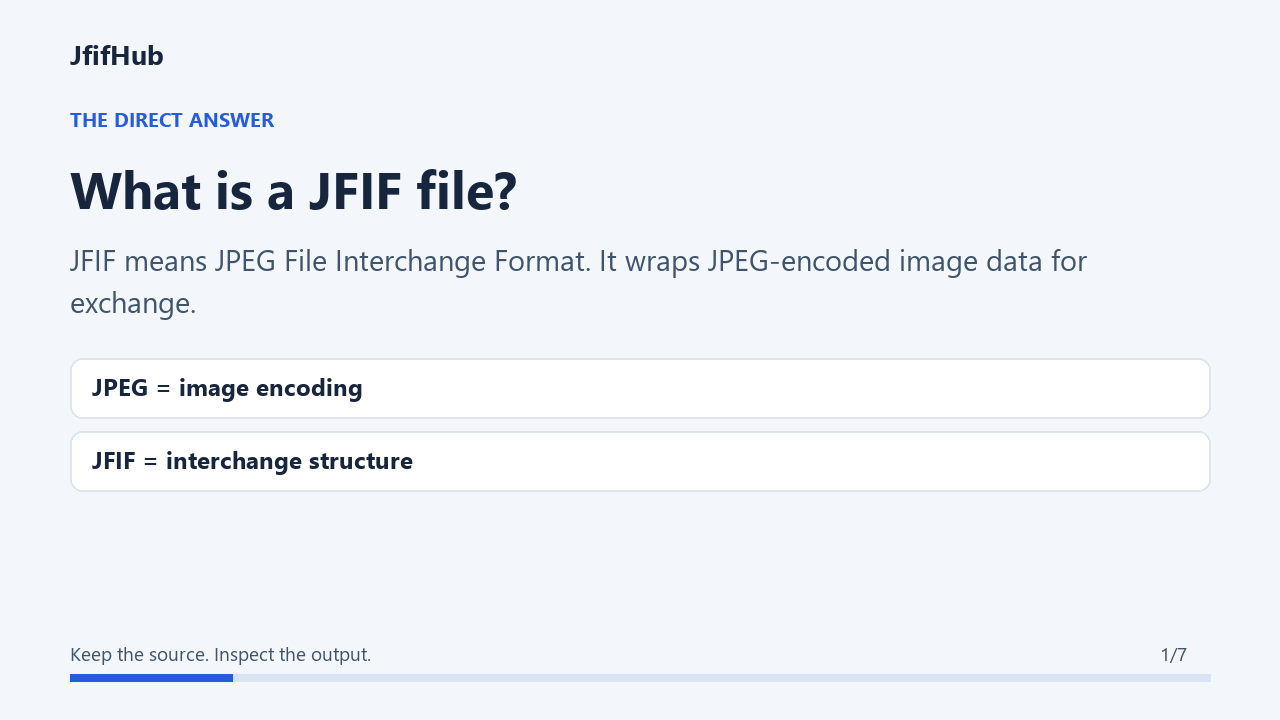
A JFIF file is a JPEG image stored using the JPEG File Interchange Format. JFIF defines an interchange wrapper with an APP0 identification segment; it is not a separate image compression method. The .jfif filename ending is a clue, not proof of the file's contents. Inspect the actual markers when the format matters, and keep the source before renaming or converting it.
What does the extension JFIF mean?
The .jfif extension names a file associated with JPEG File Interchange Format. Its suffix alone does not verify its byte structure; inspect the actual file when format identification matters.
Is JFIF a file type or just an extension?
JFIF is a defined JPEG image interchange format. .jfif is one filename extension used for it; the extension alone is not a byte-level format check.
What does the JFIF file format define?
It defines a minimal interchange wrapper and its identifying APP0 marker, including fields such as version and pixel density. It does not mean that JPEG compression and EXIF metadata are the same thing.
Does a JFIF file contain EXIF?
Do not infer metadata from the suffix. Inspect the file's APP segments and tags. This JfifHub test fixture had EXIF APP1 before conversion, while its exported JPG did not.
Does changing `.jfif` to `.jpg` preserve EXIF?
A rename changes the filename, not the image bytes, so it does not itself remove metadata. Check that the renamed image still opens in the destination application.
Technical references: ITU-T T.871: JPEG File Interchange Format; ITU-T T.86: APPn markers, including EXIF APP1; Library of Congress: JFIF family and marker identification; Library of Congress: JPEG with EXIF metadata; Exif-Samples: public test image source.