Android Gallery Cannot Open a JFIF File?
A Gallery app refusing a .jfif filename does not prove the picture is corrupt. Make a copy, convert that copy to JPG, and try opening the downloaded JPG in the same Gallery app. If it still fails, check the file itself and the app's supported formats; the extension alone cannot tell you which step failed.
Convert a JFIF copy to JPG How JFIF and JPEG are identified
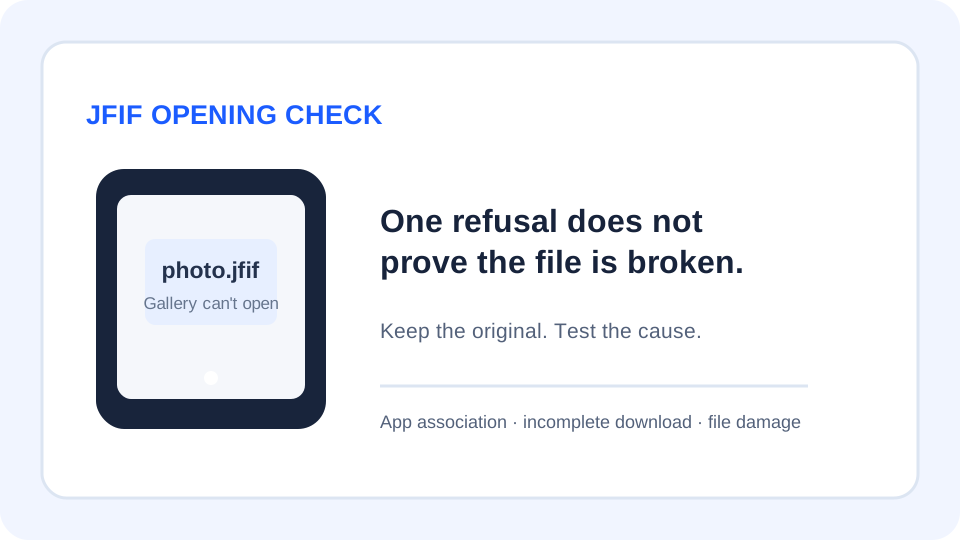
Separate an app-association problem from a bad image
Android apps declare which kinds of content they can open. Android's developer guidance describes an ACTION_VIEW intent and MIME types such as image/jpeg; the receiving app's intent filter determines whether it offers to handle that content. The IANA registry lists JPEG as image/jpeg. Those facts explain why an app's format handling and a filename suffix are related clues, but they do not establish why a particular Gallery app rejected a particular file.
A public Fossify Gallery report is titled “Gallery can't display or open images with the .JFIF extension.” It is one report about one app and one user's file. It is useful as a real question to troubleshoot; it is not evidence that every Android Gallery app rejects JFIF or that the reported file was otherwise valid.
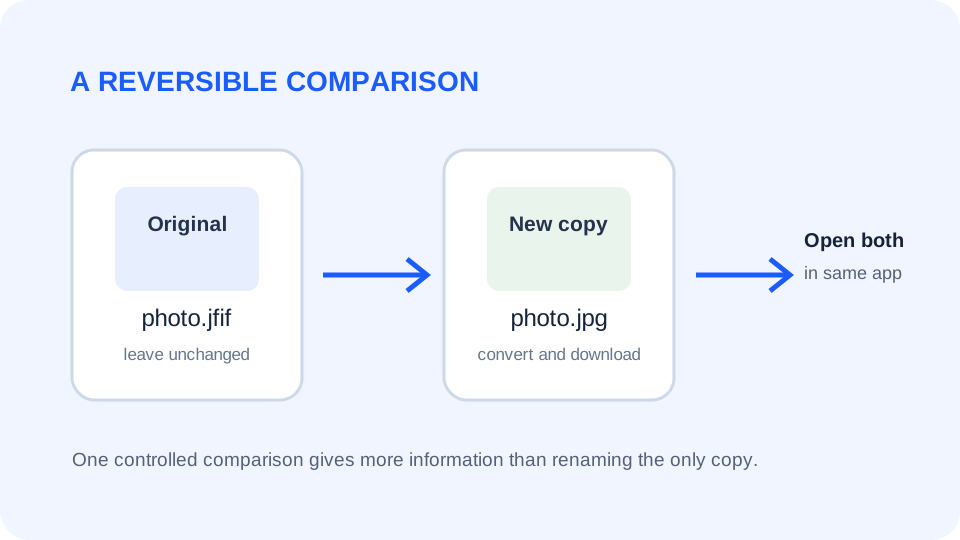
Keep the original file unchanged while you diagnose. A conversion creates a separate download, so you can compare the original and the copy in the same app. Do not delete the source just because another extension opens.
Use this four-check sequence
- Check the full name. In a file manager, read the complete suffix. Confirm the file is actually named with
.jfifand is not an incomplete download such as.jfif.partor.jfif.download. - Try the original in another image viewer. If another viewer can display it, the evidence points toward an app-specific opening or association issue. If no viewer can open it, get a fresh copy before assuming conversion will repair it.
- Convert a copy to JPG. Open the JfifHub converter in your mobile browser, choose the JFIF file, keep the original, and download the JPG result. Then use the file manager to open that downloaded copy in the Gallery app. This is a practical compatibility test, not a guarantee for every Android version or Gallery application.
- Compare what changed. If the JPG copy opens while the original does not, the test shows that this file and app combination behaves differently for those two files. If both fail, note the exact app name, Android version, file size, and error text before trying another source or viewer.
Read the result without overgeneralizing
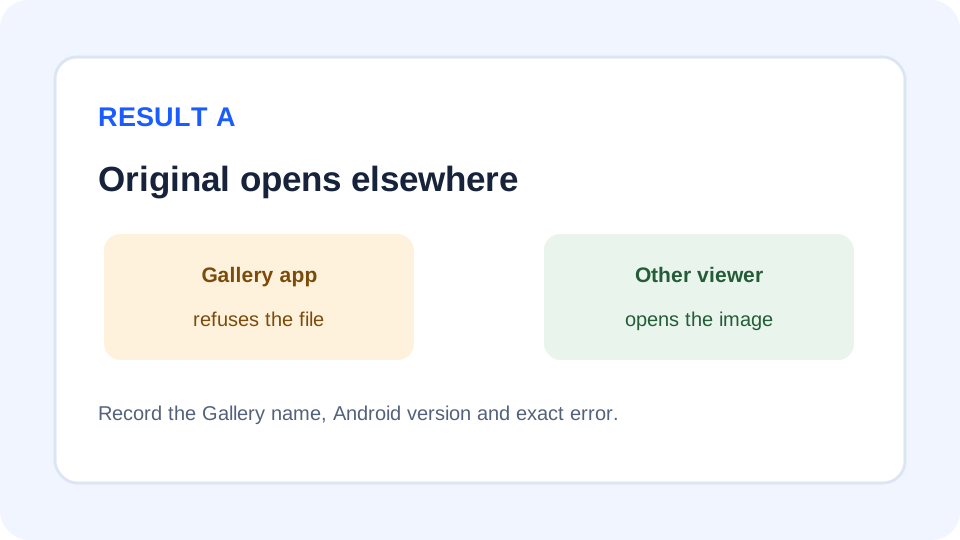
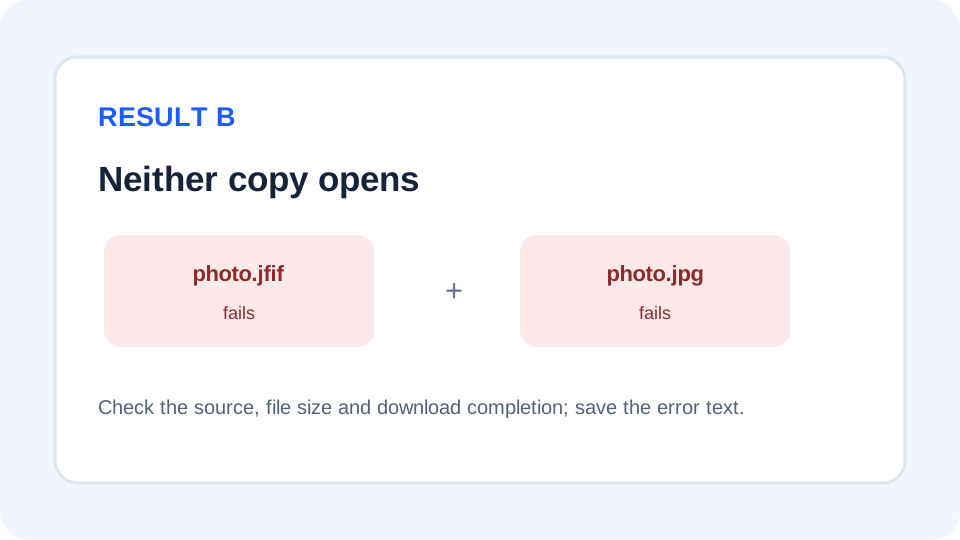
Do not treat a successful JPG copy as proof that the original was damaged. Do not treat a failed JPG copy as proof that all JFIF files are unsupported. Each result describes only the tested file, converter, Android version, and destination app. A photo may also contain metadata that matters: JfifHub's browser canvas workflow is documented separately in the EXIF and conversion guide, so check the output before replacing a source you need to preserve.
How this differs from an upload picker problem
A Gallery opening error happens after you choose or browse to a file in an image-viewing app. An upload-picker issue happens while a website or form lists files that can be selected. They can have different filters and different fixes. If the file is missing from a website's selection dialog, use the dedicated upload-picker troubleshooting steps instead of changing Android Gallery settings.
Quick answers
Does a Gallery error mean my JFIF file is corrupted?
No. An app error alone does not distinguish an unsupported association from an incomplete or damaged file. Test a copy in another viewer and record the exact message.
Will changing .jfif to .jpg convert it?
No. Renaming changes the filename, not the image data. Keep the original and use an actual converter when you need a newly encoded JPG copy.
Will converting every JFIF make it open in Gallery?
That is not guaranteed. Try one downloaded JPG copy in the same app. If that also fails, check the file source, viewer, and app-specific error.
Sources: Android Developers: intent filters and MIME types; IANA Media Types registry (JPEG is registered as image/jpeg); Fossify Gallery: one public JFIF-opening report. Android app support varies; the community report is a single case, not a general compatibility test.