Why Does Windows Save JPEGs as JFIF?
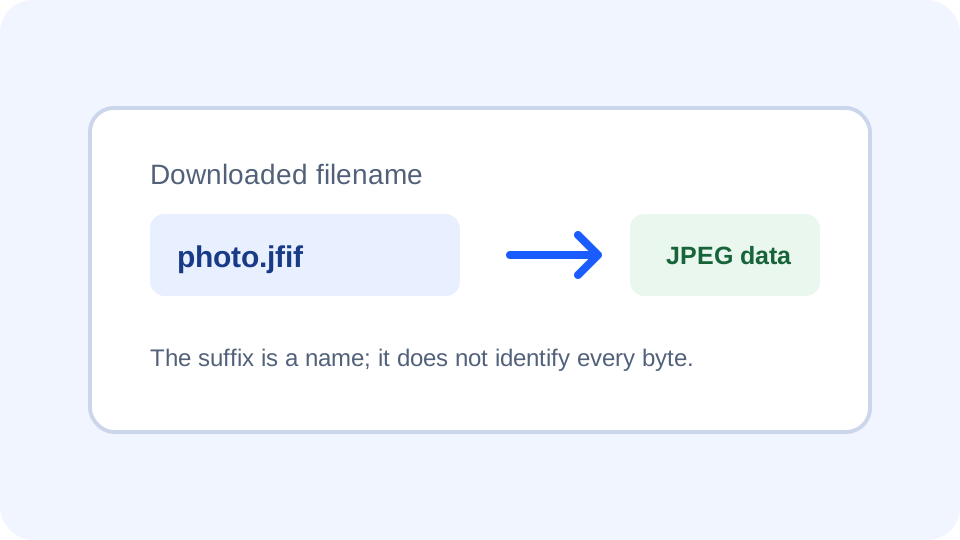
A file downloaded with a .jfif ending may still contain JPEG-coded image data. JFIF is a standardized way to interchange JPEG images; the extension describes the filename, not a new image compression format. If an app refuses the suffix, keep the original and make a separate JPG export or a renamed copy only when the destination accepts the same JPEG bytes.
Open the JFIF to JPG converter
What the .jfif ending tells you
JFIF means JPEG File Interchange Format. ITU-T T.871 specifies an interchange format for images encoded according to the JPEG image coding standard. The W3C JPEG reference identifies image/jpeg as the registered MIME type for JPEG JFIF images. So seeing .jfif after a download does not, by itself, mean Windows changed the image pixels or that the file is a different compression family.
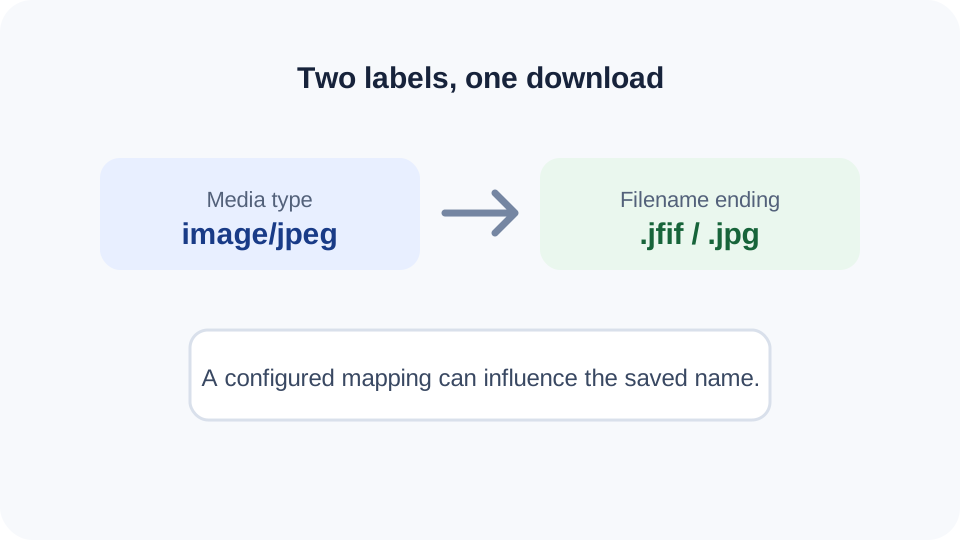
A Microsoft Community question documents one Windows user's downloads being named with a JFIF suffix and a reply pointing to the Windows MIME database's image/jpeg entry. That is a reported troubleshooting case, not proof that every browser, Windows installation, or download uses the same setting. On this machine, a read-only check of the merged image/jpeg MIME entry returned .jpg; this computer did not reproduce the reported .jfif mapping during that check.
A recent Chrome discussion asked why saved images ended in .jfif, but the replies proposed different possible sources and did not include the response headers or a reproducible browser test. An HTTP response can suggest a save name through Content-Disposition; compare that filename, the Content-Type, and the name Chrome actually saves before blaming one component. This is a diagnostic checklist, not a claim that every Chrome download follows one rule.
Check the file before changing its name
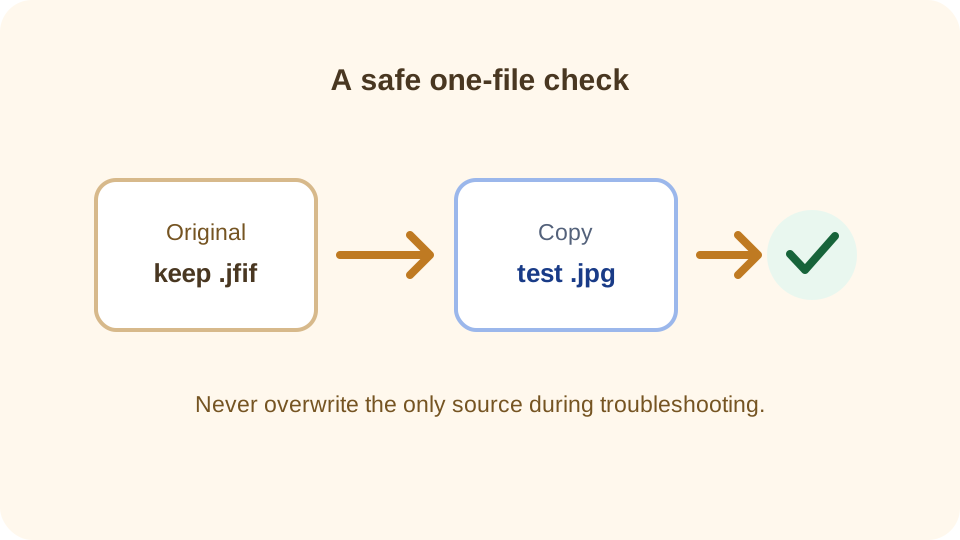
- Keep the downloaded original. Do not overwrite it while troubleshooting.
- Open it in a trusted image viewer. If it displays correctly, the extension alone may be the compatibility problem.
- If the destination accepts JPEG images but filters out
.jfif, make a copy and rename that copy to.jpg. Renaming changes the filename only; it does not re-encode the image. - If the destination explicitly requires a newly exported JPG, convert the copy and verify that the downloaded output opens. A conversion decodes and writes image data, so it is different from renaming.
This decision flow avoids editing Windows settings just to handle one file. If many future downloads consistently receive an unwanted suffix, first confirm the pattern across more than one site and browser. The Microsoft Community example suggests a MIME mapping worth checking, but registry changes are system-level settings; use Microsoft's current support guidance or an administrator before changing them.
When should you rename and when should you convert?
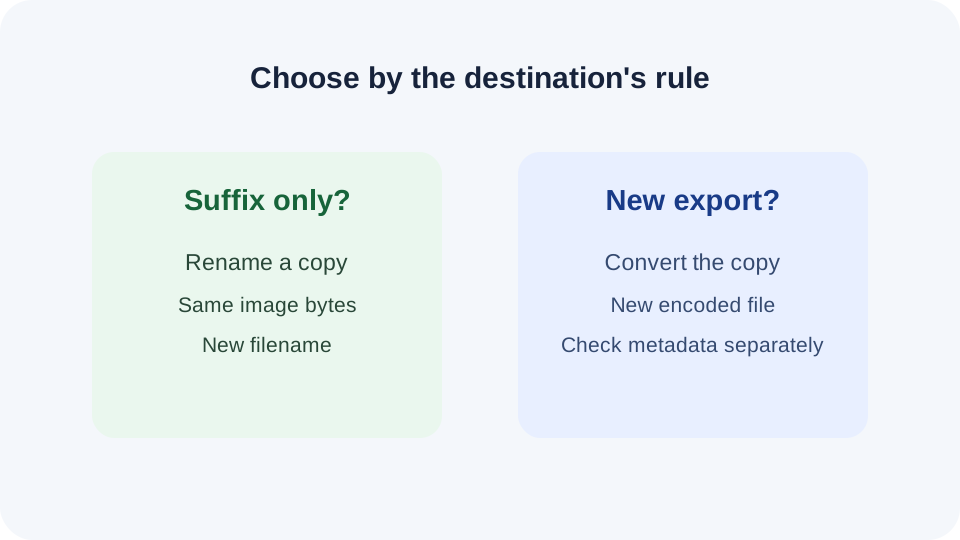
Rename a copy when the file already opens and the receiving app's requirement appears to be the suffix. Convert when the receiving service requires a fresh JPG export, or when you want a new encoding. Do not treat a successful rename as proof that the receiving service accepts the file contents; upload rules can check both filename and data.
JfifHub's browser tool creates a new JPG or JPEG output locally in your browser. Its conversion can produce different encoded bytes from the source, so keep the original and inspect metadata separately if camera, date, or GPS tags matter. This is general file-handling guidance; the exact contents of a particular download must be checked on that file.
Quick answers
Is a .jfif download really a JPEG?
It can be. JFIF specifies interchange for JPEG-coded images, but check the actual file if a particular download matters.
Does changing .jfif to .jpg convert the image?
No. Renaming changes the filename extension. A converter decodes and writes a new image file.
Did this computer reproduce the Windows .jfif mapping?
No. A read-only query of the current merged Windows MIME entry for image/jpeg returned .jpg. That single local check does not describe other computers.
Should I edit the Windows registry?
This guide does not recommend changing registry values as the first fix. Keep the original, test a copy, and consult current Microsoft support guidance or an administrator before changing system settings.
Sources: ITU-T T.871: JPEG File Interchange Format; W3C: JPEG and the image/jpeg MIME type; Microsoft Community: user report about downloads saved as JFIF; r/chrome: recent user question about a saved .jfif suffix (not a verified fix); RFC 6266: Content-Disposition can supply a suggested local filename; Microsoft Learn: MIME content type and file-extension association; Microsoft Support: common filename extensions in Windows.