JFIF Could Not Be Read: Diagnose Before Converting
If JfifHub says "Could not read" a JFIF file, renaming it is not a repair. Keep the original, check whether a second viewer can open it, and try a known-good image separately. A single failure does not prove that every JFIF is unsupported or that the file is corrupt.
Open the JFIF to JPG converter
What the message actually establishes
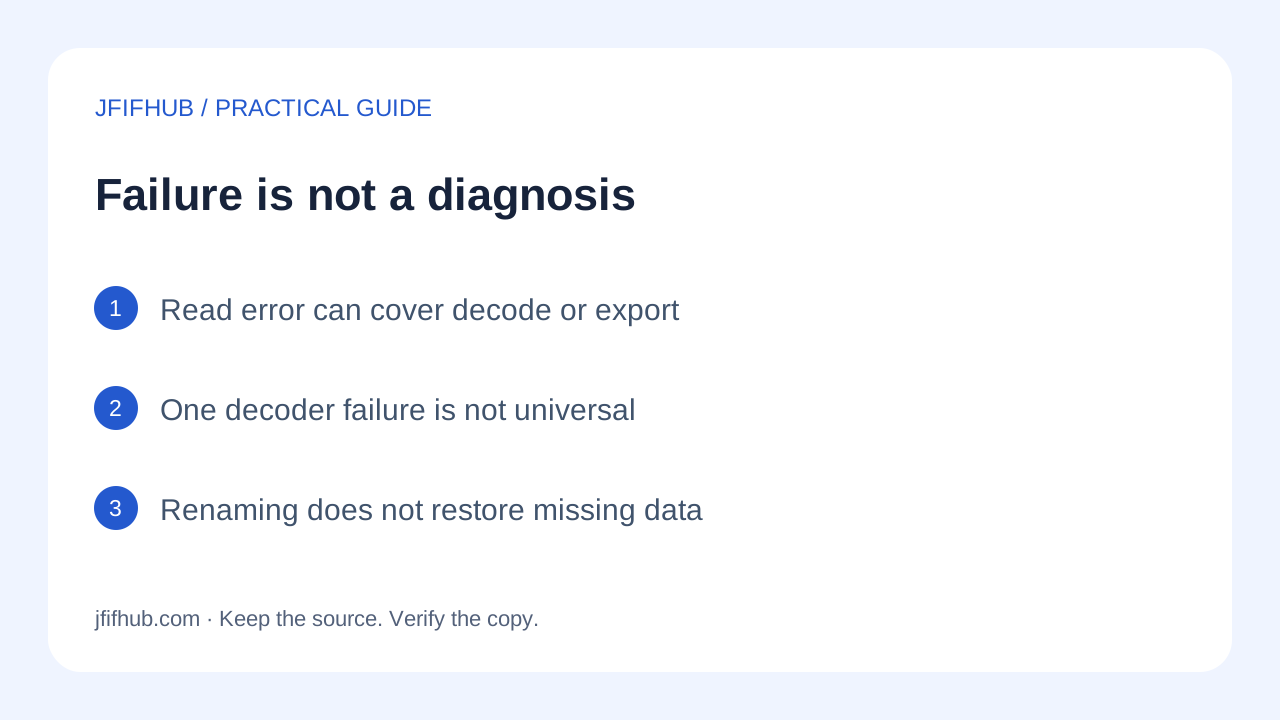
The current homepage accepts a candidate by filename extension or JPEG media type, then asks the browser to decode it. Its error handler displays Could not read [filename]. if conversion rejects. That handler covers more than a decoder error: it also handles a failed canvas export. The message alone therefore does not identify which step failed.
MDN's image decoding documentation lists corrupted data among reasons for a decoding failure, alongside other loading-related failures. JfifHub uses a local object URL with image load and error events rather than directly calling decode(). The documentation explains the decoding stage; it is not a diagnosis of your particular file. No damaged-file recovery engine is implemented in the homepage.
Keep one variable at a time
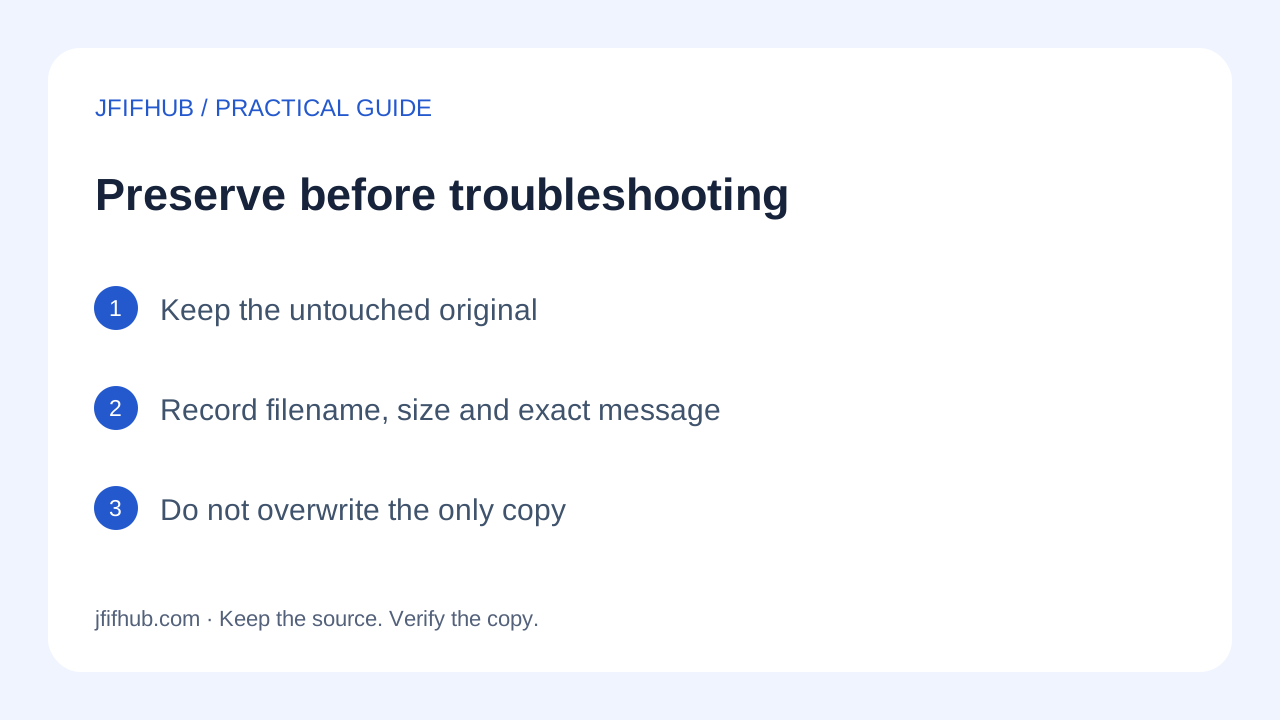
First make a working copy and leave the original intact. Record the exact filename, its byte length and the displayed message. If the file has zero bytes, it contains no saved image data; retrieve the source again rather than trying quality settings. A nonzero byte length alone does not prove that a complete picture was saved.
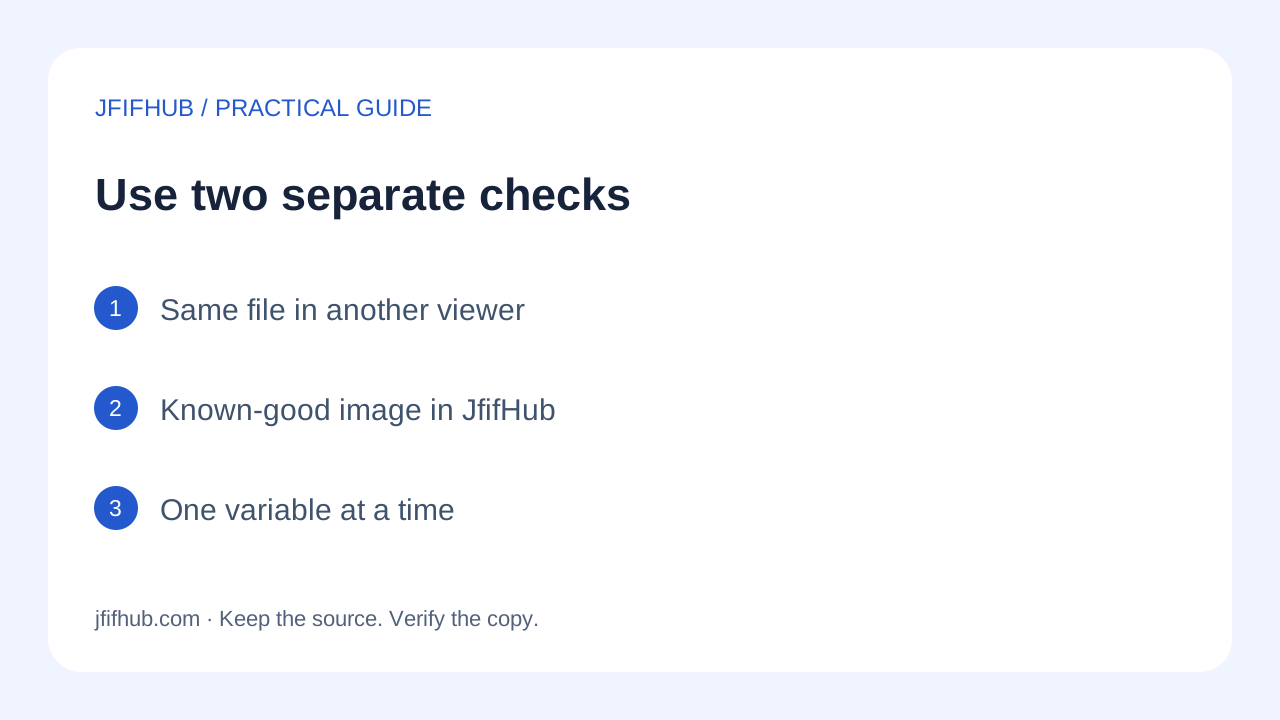
Next, open that same copy in another image viewer. If it opens there, you have evidence that at least that viewer can interpret it. You do not yet know why the browser failed. If the source application can export a new JPEG copy, use that export without overwriting the original, then check the new copy in both viewers.
Separately try a known-good JPEG or JFIF in JfifHub. Do not batch it with the troublesome file: the current loop stops when a conversion rejects, which makes a mixed batch less informative. If the control works but the suspect file fails, focus the next investigation on that file. If both fail, record the browser and environment before changing the suspect file.
If you can retrieve the image again from its original sender or source, compare the fresh download's size and whether it opens. A changed result supports a download-specific explanation; it does not establish which bytes were missing or prove a universal browser bug.
Interpret the checks without overclaiming
- Another viewer opens it, JfifHub does not: possible implementation or export-path differences remain. Preserve the successful viewer's original and try its explicit JPEG export.
- No tested viewer opens it, a fresh copy works: use the fresh copy. Do not describe the old file as repaired by a filename change.
- The control image also fails: the experiment has not isolated the suspect file. Try a current browser with the same control and write down the results separately.
- The image opens but an upload site rejects it: that is a different task. Use the file-picker and upload guide; do not treat a destination's rejection as proof of decoder corruption.
A readable header is not sufficient proof that the complete image can decode. Conversely, a failed browser conversion is not enough evidence to claim the source is permanently lost. Avoid editing binary markers on the only copy or repeatedly recompressing a partial image while hoping the filename will fix it.
What to send when asking for help
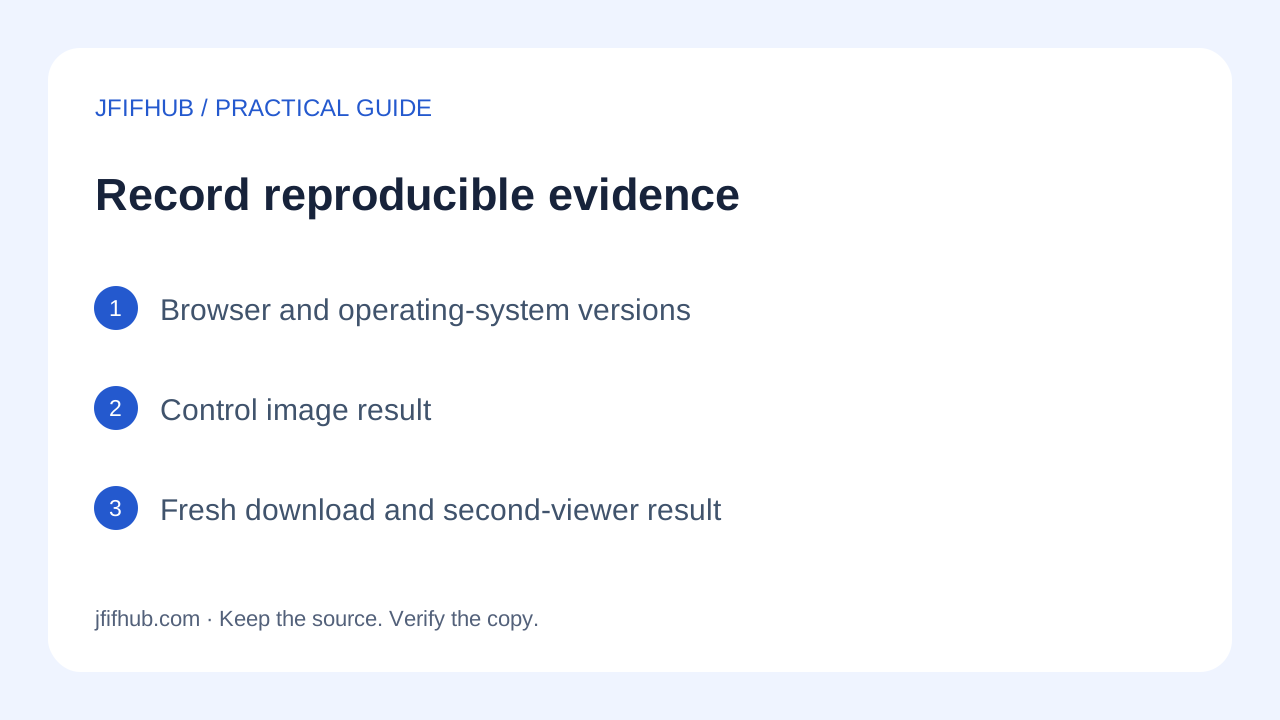
Write a short reproduction record: browser name and version, operating system, exact error text, file length, whether another viewer opens the same file, and whether a known-good control converts. These observations are more useful than saying that the format is broken. Share the image itself only if you are comfortable with its contents and metadata being disclosed.
Should I rename JFIF to JPG first?
A filename change leaves the image bytes unchanged. It can affect a program's filename filter, but it cannot reconstruct missing image data. Use the rename-versus-export guide for a readable image that only needs a different suffix.
Will Highest quality repair unreadable data?
No repair operation exists in that control. The source must decode before the canvas can export a JPEG. Changing the quality option does not restore unavailable source pixels.
The workflow in four pictures
References: MDN: image decoding errors; MDN: canvas export and null results; Current JfifHub conversion implementation. Published October 11, 2026. Instructions and calculations are scoped as stated; no universal conversion or recovery guarantee is claimed.