JFIF to JPG: Baseline or Progressive?
If a destination requires baseline JPEG, renaming a JFIF file is not enough. Export a separate JPG, inspect the downloaded file’s encoding mode, then test that same file in the destination. In our measured browser run, a progressive JFIF-marked input became baseline JPG; that is one result, not a guarantee for every browser.
Convert a copy to JPGWhen a rename is enough
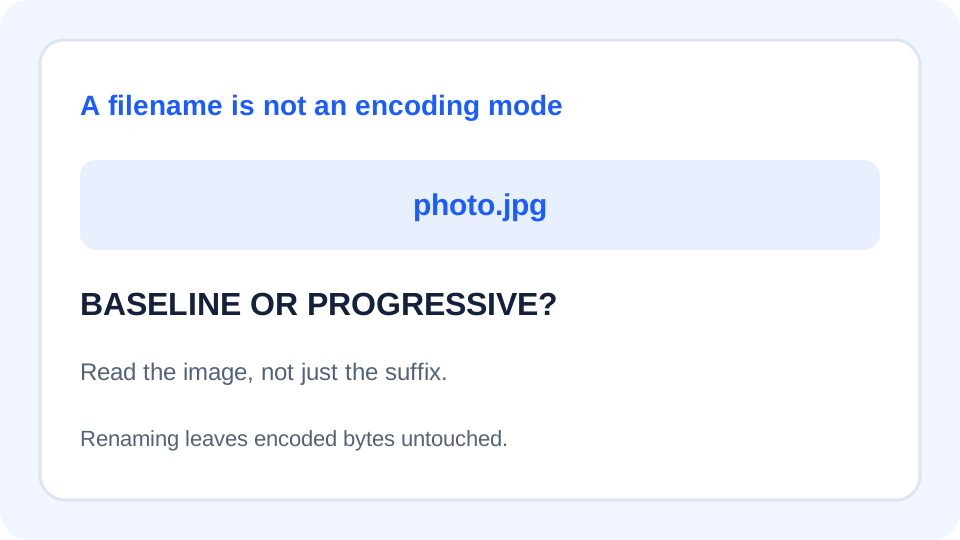
What a JPG filename cannot tell you
A filename ending in .jpg does not identify whether the JPEG is baseline or progressive. Renaming leaves the encoded bytes untouched. Progressive JPEG organizes the image into multiple scans; baseline and progressive are encoding choices, not different filename extensions. This distinction matters when a destination explicitly asks for a baseline JPEG.
The libjpeg-turbo documentation describes a separate route: jpegtran can reorganize JPEG coefficients without a full decode and re-encode. Its default output is baseline when the encoding switches are omitted. That is different from JfifHub's browser canvas export. Neither method should be confused with simply changing the name.
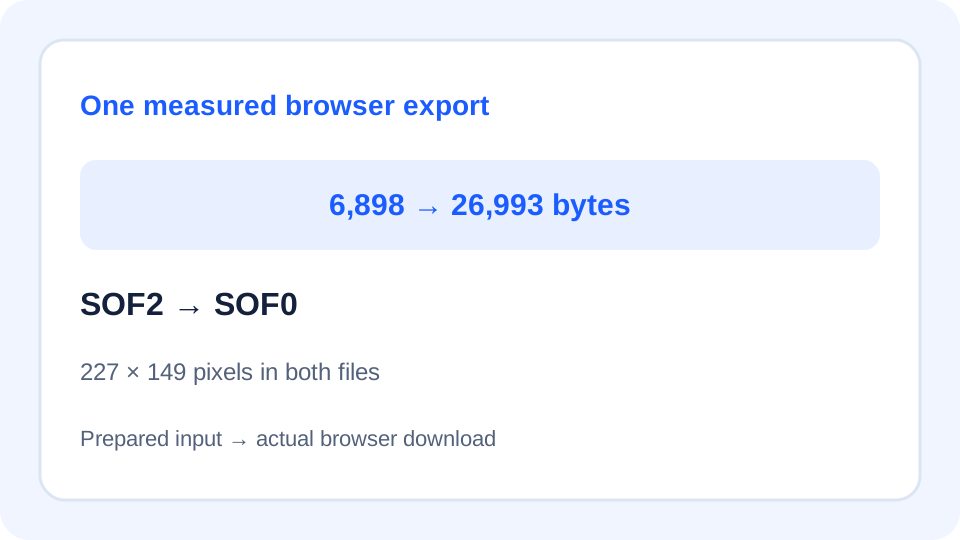
One browser export, measured
We prepared a progressive input from libjpeg-turbo's public testorig.jpg using Pillow with quality=90 and progressive=True. This is a deliberately prepared test image, not a claim that the upstream file was progressive or originally named .jfif. It contains a JFIF identifier but uses a .jpg filename; JfifHub accepted it through its image input path.
On 14 October 2026, we selected the file with the live page's choose-a-file control, kept .jpg output and Highest · 100% quality, then pressed the Download button. We inspected the actual downloaded file, rather than treating the page's success message as proof of an encoding mode.
| Check | Prepared input | Browser download |
|---|---|---|
| Filename | testorig-progressive.jpg | testorig-progressive.jpg |
| Bytes | 6,898 | 26,993 |
| Dimensions | 227 × 149 | 227 × 149 |
| Pillow progressive flag | True | False |
| Frame marker | SOF2 | SOF0 |
The page reported: Done. Your files stayed in this browser.
The results area showed 1 file ready
and testorig-progressive.jpg 26993 bytes
. Both files had the same filename ending, yet the inspected encoding mode changed. Equal dimensions did not establish equal bytes, identical decoded pixels, or unchanged metadata.
Scope: this is one prepared sample and one browser session. It is not a compatibility test against a printer, upload portal or Gallery app, and it does not guarantee what every browser encoder will produce. We did not test network loading speed or claim a universal size advantage.
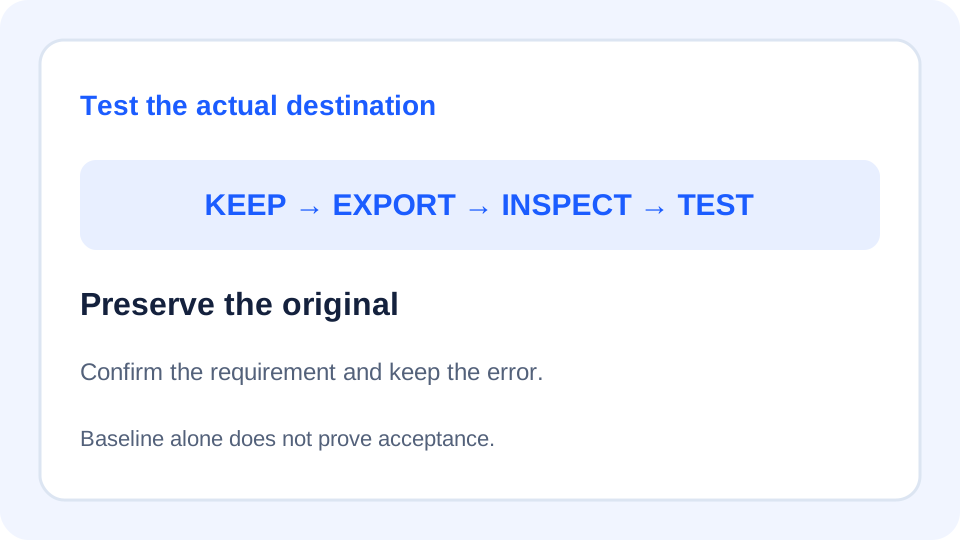
Check the requirement before choosing the route
- Get the exact rejection. Record whether the destination requests baseline JPEG, refuses the filename suffix, limits dimensions, or rejects the upload for another reason. Those are separate checks.
- Keep an untouched source. Give the trial copy a clearly different working name or folder. The same displayed name in our test makes the downloaded file easy to confuse with its input.
- Export one copy. Use the converter when a new JPG is appropriate. Inspect that specific download before processing the rest of a collection. The quality selector is not a baseline/progressive selector.
- Inspect and submit the same file. Confirm its encoding mode with an image inspector, then try that file in the actual destination. If it is still rejected, keep the error and check the other stated constraints instead of repeating conversion blindly.
For a workflow that must preserve existing JPEG coefficients, review a dedicated JPEG transcoder such as jpegtran. Its metadata copying behavior also needs a separate decision. We have read that documented route; we have not presented an unrun jpegtran command as another measured result.
Make a small delivery record
Save the source filename, exported filename, byte length, dimensions, encoding mode, tool or browser used, selected settings, and destination result together. This turns a vague “JPG still does not work” report into a reproducible handoff. Do not include private photos in a public bug report just to prove the extension.
If the source already meets a baseline requirement, converting again merely because its name says JFIF is not justified by that requirement alone. If the output is baseline but the destination still refuses it, the baseline check has passed while the overall delivery has not. Ask about the remaining restriction instead of treating every rejection as a progressive-JPEG problem.
Quick answers
Does renaming JFIF to JPG make it baseline?
No. A rename does not change the image bytes or scan organization.
Does Highest quality guarantee progressive output?
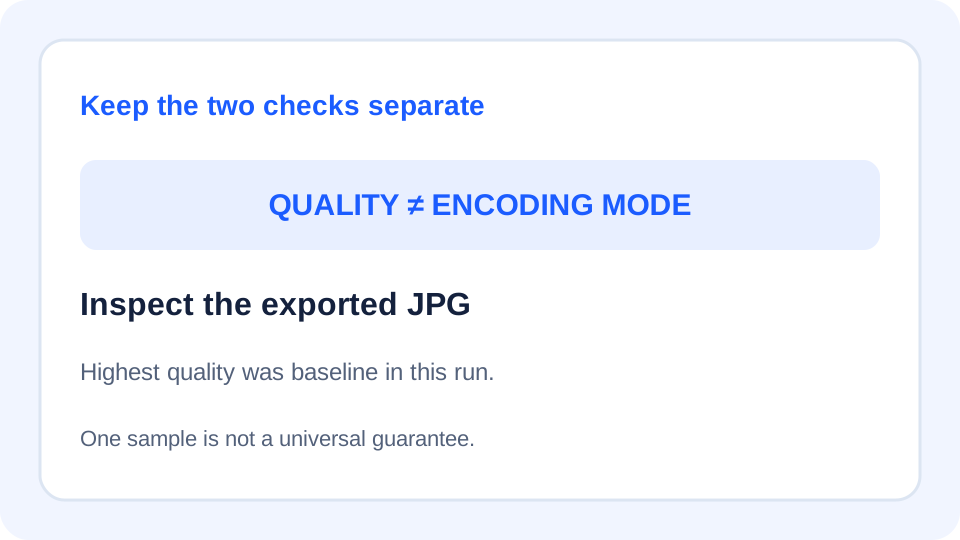
No. Our Highest-setting export was baseline for this sample. Quality and encoding mode need separate checks.
Is baseline always better than progressive?
This test does not establish that. Choose the mode required by the receiving workflow; do not infer loading performance or image quality from this one conversion.
Can JfifHub promise baseline output in every browser?
No. The measured result belongs to this run. Verify the downloaded file whenever baseline is a hard requirement.
Sources and method
- libjpeg-turbo: jpegtran manual
- libjpeg-turbo: public source test image
- Pillow: JPEG options and inspection
- W3C: JPEG/JFIF references

The table is our local inspection of the prepared input and the actual live-page download. No source photograph is reproduced in these original diagrams.