Can JFIF to JPG Change Colors?
It can change how a file's colors are described, but the extension alone does not tell you what happened. In one JfifHub browser test, a real JFIF-marked photo with a Display P3 ICC profile downloaded as a JPG with an sRGB profile. That is one observed export, not proof that every conversion visibly shifts color.
Open the JFIF to JPG converter
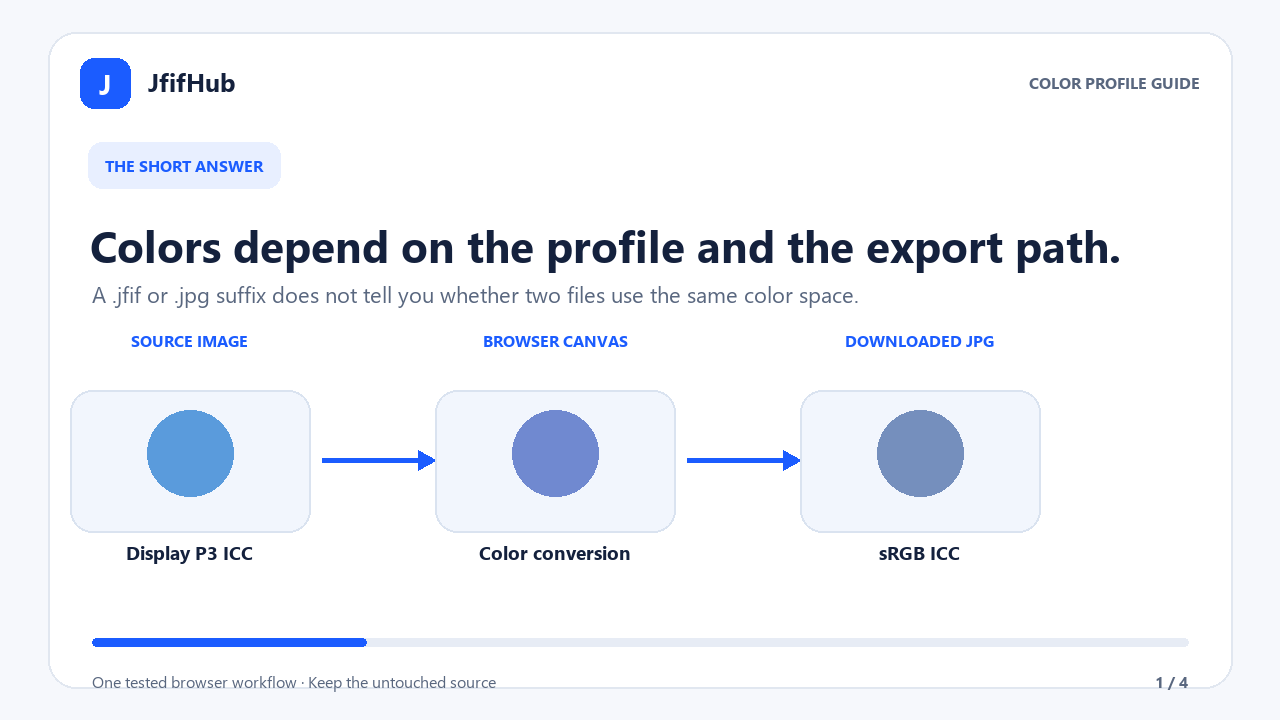
What the JfifHub test actually found
The input was the original image attachment from the public sharp issue 4059. Its filename ended in .jpeg, but its JPEG marker stream included a JFIF APP0 segment, a readable EXIF APP1 segment and an ICC APP2 profile. The suffix was not changed to manufacture a JFIF sample. The file's ICC profile identifies Display P3.
I selected that file through JfifHub's browser file input, kept the default Highest setting and clicked Download. The visible status was Done. Your files stayed in this browser. Inspection of the downloaded JPEG found an embedded ICC profile identifying sRGB. The input and output ICC profiles were different. The output retained a JFIF APP0 marker, while the source's EXIF APP1 segment was absent.
The source stored dimensions were 4032 × 3024 pixels with EXIF orientation 6; the downloaded image measured 3024 × 4032 pixels. The browser export applied the orientation in the pixel dimensions in this test. This is an implementation-specific observation for one photo and one Chrome browser run. It does not establish the behavior of other files, browsers or conversion tools.
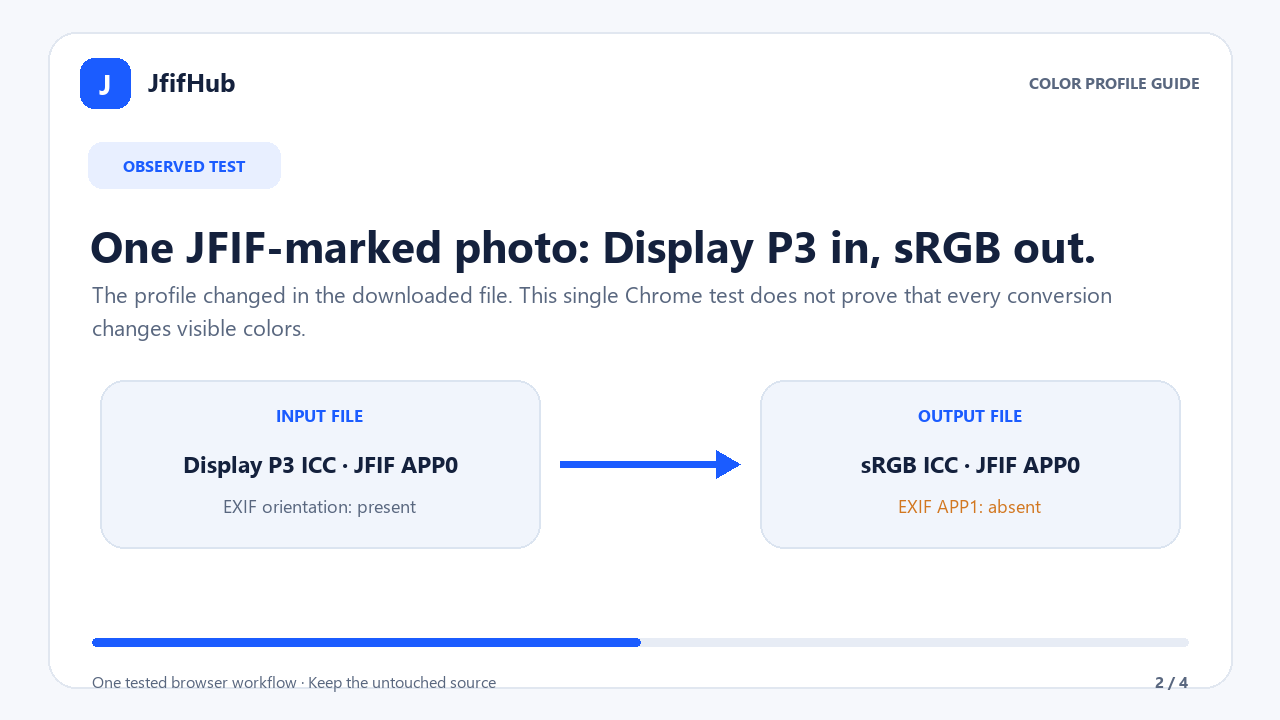
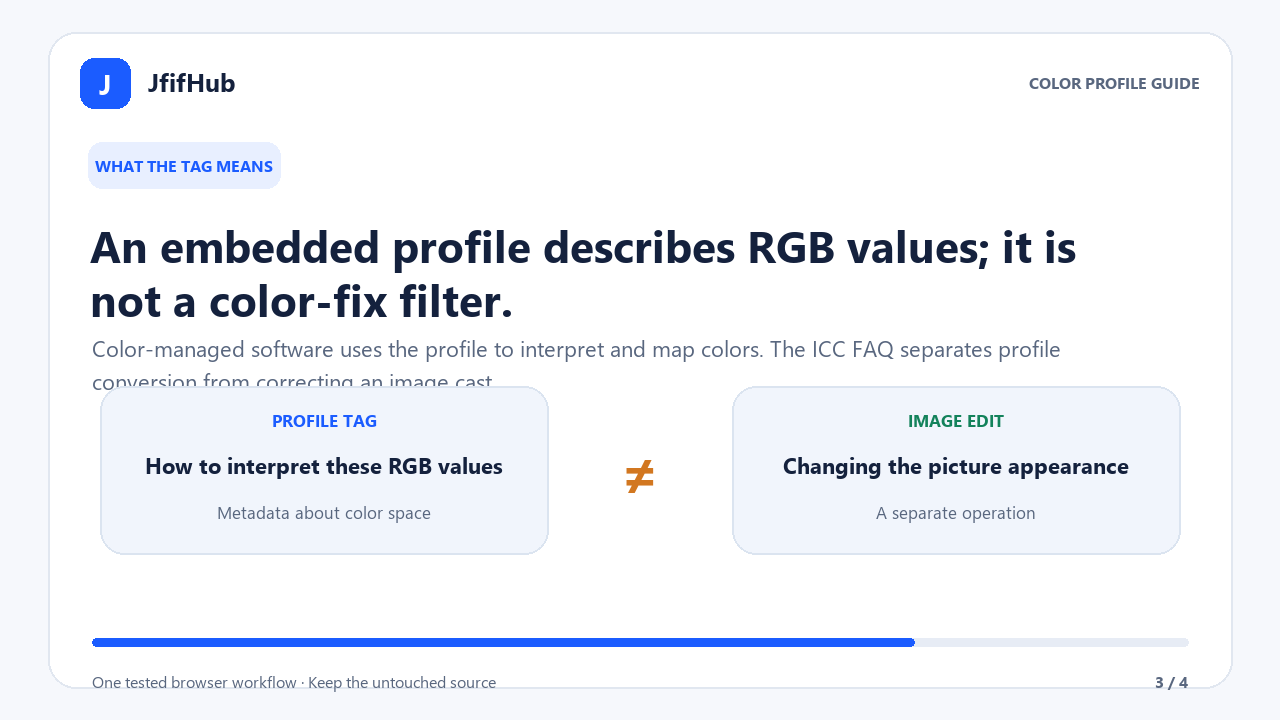
Why the profile matters
An ICC profile gives color-managed software information for interpreting the image's RGB values. It is not a filter that repairs a color cast. The International Color Consortium explains that source and destination profiles relate image values to defined color spaces; it also separates profile handling from correcting a cast in the image.
The HTML canvas standard specifies color spaces and color conversion for canvas bitmaps. JfifHub decodes a selected image into a browser image, draws it into a canvas and serializes a new JPEG. In the test above, the resulting file's ICC profile was sRGB even though the source profile was Display P3. A color space conversion may map colors that the destination space cannot represent; the exact visible result depends on source pixels, rendering, browser, destination app and display.
A profile tag changing does not, by itself, prove that a person will see a dramatic shift. Conversely, seeing similar colors in one preview does not prove that two files have the same profile or RGB samples. The test recorded the profile names and marker presence; it did not measure a perceptual color difference or claim a universal color shift.
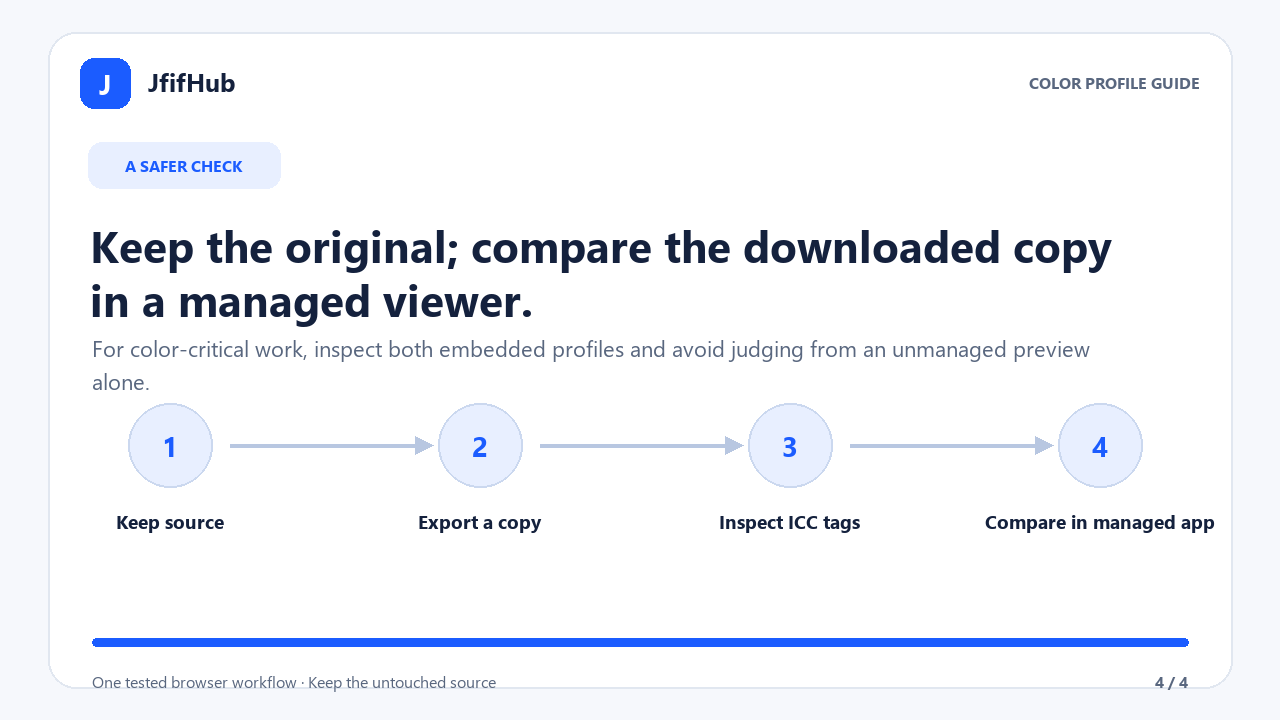
A practical check before you replace the source
- Keep the original. Export a separate copy so you can return to the source if the destination renders the result differently.
- Check both files' profiles. Use a metadata or color-management tool that reports the embedded ICC profile. Record the profile name; do not infer it from
.jfif,.jpgor the file icon. - Compare in one color-managed app. Open the original and exported copy in the same app, on the same display and at the same zoom. Different preview apps or display settings can confound the comparison.
- Check image data and metadata separately. A new JPEG export can re-encode pixels and may not retain camera metadata. Our separate EXIF test notes document those metadata observations.
- Use the destination's requirement. If a site only filters by filename suffix, a copy renamed without re-encoding can be a different test from exporting a new JPEG. Follow the destination's stated format requirements.
This checklist is intended to isolate the profile and viewing path. It cannot guarantee an exact visual match across devices. For printing, brand colors or other color-critical output, preserve the source and use a workflow that explicitly manages the intended input and output profiles.
Quick answers
Does changing JFIF to JPG automatically change color?
No. A filename change does not prove that image data or profiles changed. A decoded and re-encoded browser export can follow a color-managed canvas path; inspect the actual output.
Did this JfifHub test keep the source ICC profile?
The tested input identified Display P3. The downloaded JPG identified sRGB, so the same profile was not retained in this one observed export.
Does the test prove every converted image will look different?
No. It proves only the two profile names observed in this one test. No universal or perceptual color-difference claim follows from that result.
Primary references: WHATWG HTML Standard, canvas color spaces and bitmap serialization; International Color Consortium, FAQ on ICC profiles and color management. Test input: public original photo attachment in sharp issue 4059. The test describes this JfifHub browser workflow only.